How to Translate Your Name into Baybayin—An Easy Guide
Have you ever wondered what your name would look like in Baybayin, the beautiful ancient writing system of the Philippines? Learning how to write your name in Baybayin is not only fun, but it’s also a great way to connect with history and culture. This simple guide will help you understand everything step by step in an easy way.
If you want to instantly see how your name looks, you can also try this Baybayin Translator Name Generator, which helps convert your name into Baybayin characters in just a few seconds.
What is Baybayin?
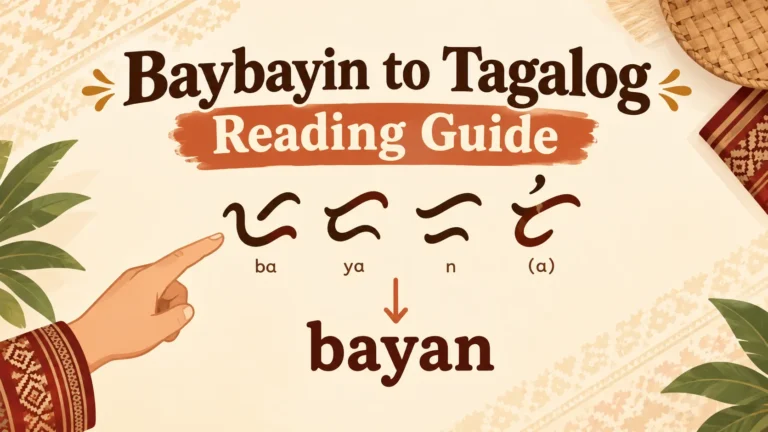
Baybayin is a traditional Filipino script used long before modern alphabets became common. Instead of writing letters one by one like English, Baybayin uses syllables. That means each symbol usually represents a consonant + vowel sound.
To begin with, it’s important to understand how Baybayin represents sounds.
If you’re new to the script, learn the core rules of the Baybayin alphabet to memorize the 17 characters before translating your name into Baybayin.
Step 1: Break Your Name into Syllables
The first step in How to Translate Your Name into Baybayin is to split your name into smaller sound parts (syllables).
Example:
- Daniel → Da-ni-el
- Maria → Ma-ri-a
- Kevin → Ke-vin
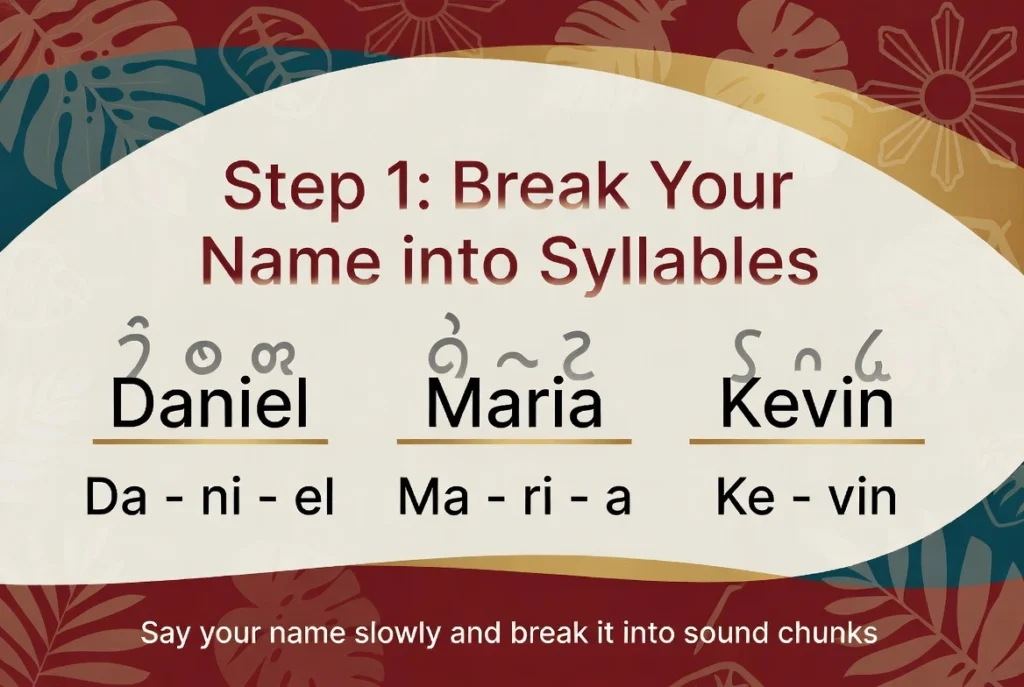
Think about how your name sounds when you say it slowly. Each chunk of sound becomes one Baybayin character.
Step 2: Match Sounds with Baybayin Alphabets
Next, you match each syllable with the closest symbol from the Baybayin Alphabet.
Baybayin has basic characters like
- Ba, Ka, Da/Ra, Ga, Ha
- La, Ma, Na, Nga
- Pa, Sa, Ta, Wa, Ya
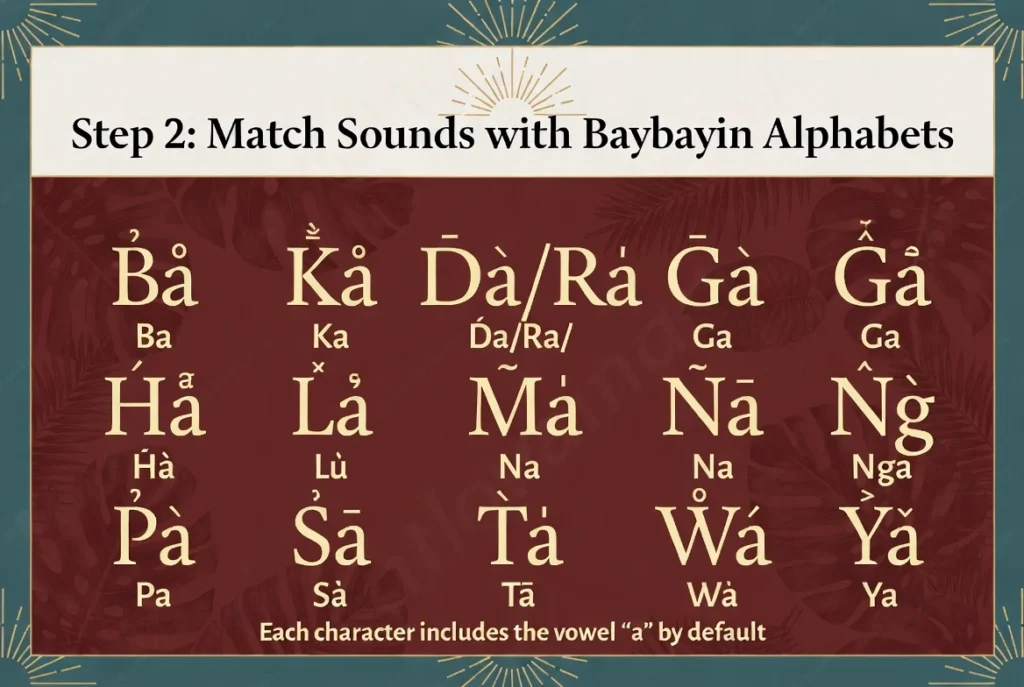
Each of these already includes the vowel “a” by default.
Step 3: Change the Vowel Sound (Using Marks)
What if your syllable isn’t “ba” but “bi” or “bo”? That’s where special marks (called kudlit) come in.
- A mark above the character changes the sound to “i” or “e.”
- A mark below changes it to “o” or “u.”
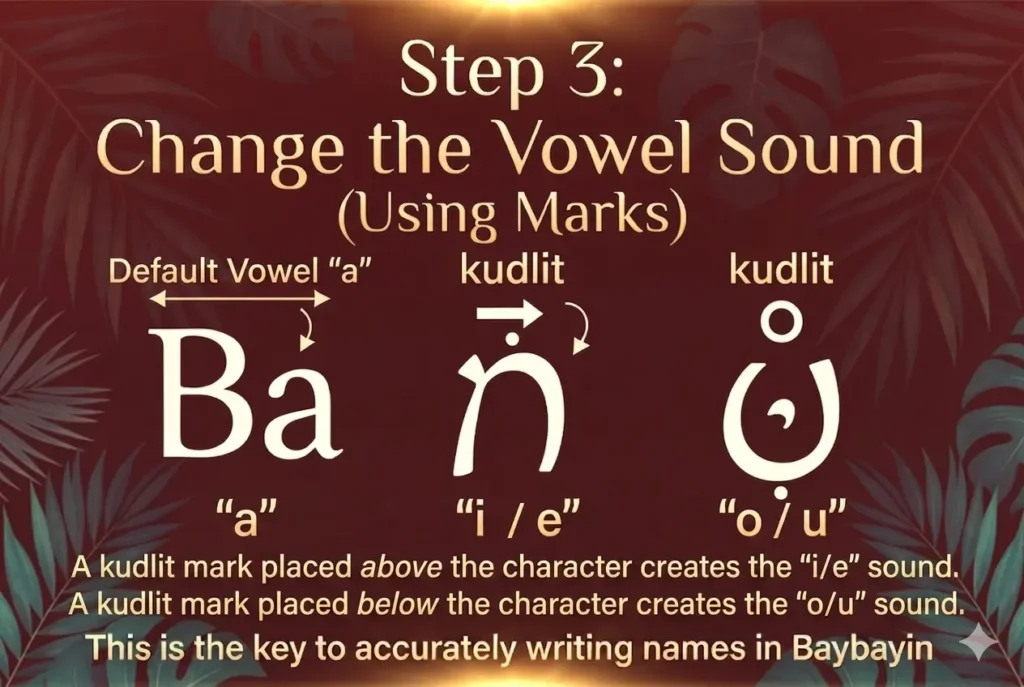
Tip: You can view visual examples of every vowel variation in our Baybayin Alphabet Kudlit Chart.
Step 4: Handle Ending Consonants
Sometimes your name ends with a consonant (like “n” in John). Baybayin doesn’t naturally end in consonants, so we use a special mark called a virama (or pang-ul).
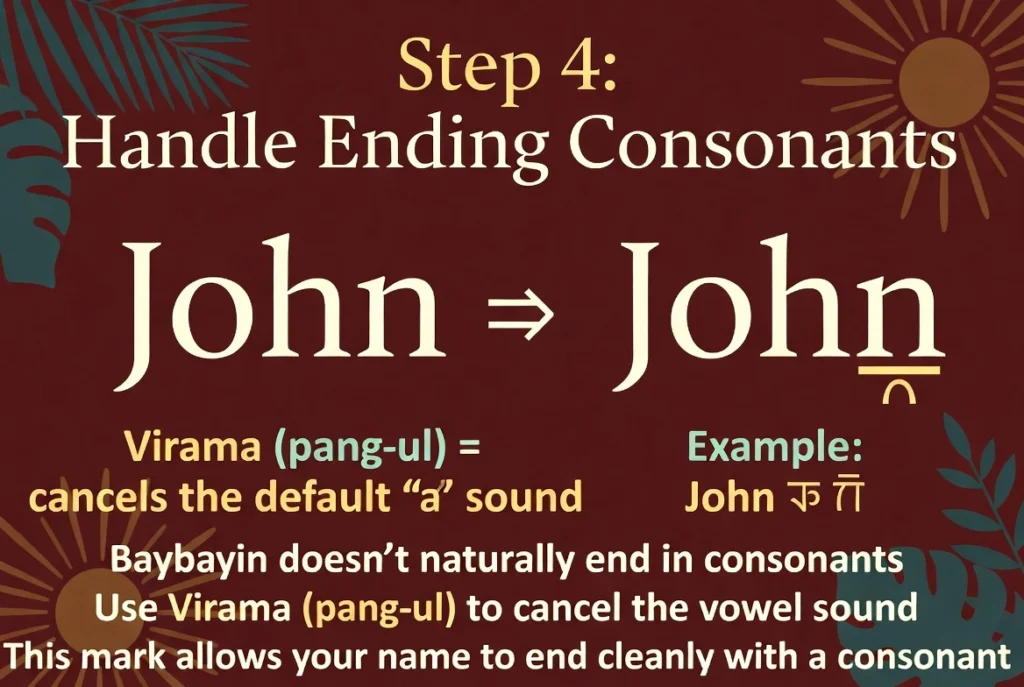
This mark cancels the vowel sound, so the letter ends cleanly.
Step 5: Put It All Together
Now combine all the symbols in order. That’s your name written in Baybayin!
Example (Michael):
- Ma → Standard Ma character
- I → Standalone vowel symbol “I/E”
- Kel → Ka character + mark above (for “ke”) + virama/pamudpod below (to mute the vowel)
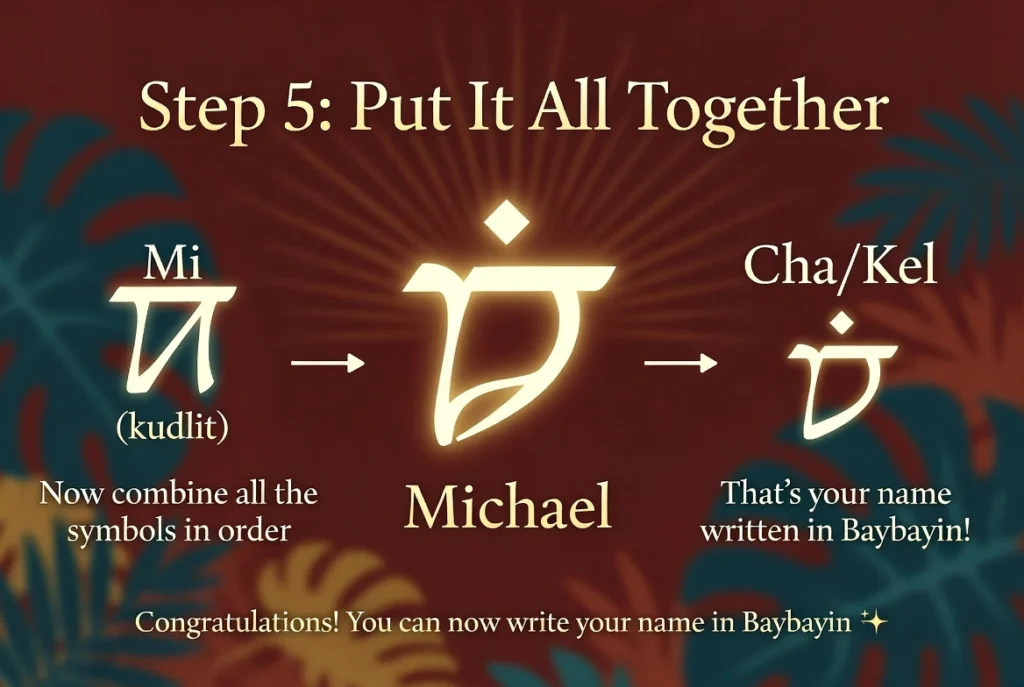
When joined together, it forms your Baybayin version.
Helpful Tools You Can Use
If you’re having difficulty converting your name into Baybayin, you can also use a Baybayin Translator Name for a quick and automatic translation. It’s a helpful tool for beginners who want to see or learn how their name appears in Baybayin.
- Instantly convert your name
- See how characters look
- Practice writing
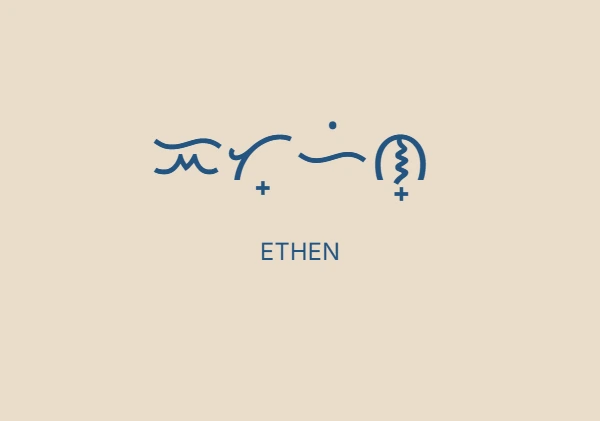
They’re great for beginners and fun for kids too.
Can You Translate Any Name?
Yes! Even non-Filipino names can be written in Baybayin. You just need to:
- Focus on pronunciation
- Adjust sounds that don’t exist in Baybayin
This is why different tools or people might write the same name slightly differently—and that’s okay!
Why People Love Writing Names in Baybayin
Many people enjoy turning their names into Baybayin for creative reasons, such as
- Designing a Baybayin tattoo
- Creating art or calligraphy
- Learning more about Filipino culture
- Personal expression and identity
Tips to Learn Baybayin Faster
If you truly want to learn Baybayin, try these tips:
- Practice writing one syllable at a time
- Use flashcards for the Baybayin alphabets
- Try writing simple words before names
- Use a Baybayin translator to check your work
Final Thoughts
Learning How to Translate Your Name into Baybayin is a fun and meaningful activity. It’s like unlocking a piece of history while creating something personal at the same time.
Take your time, enjoy the process, and don’t worry about being perfect. Every name written in Baybayin tells a unique story—especially yours.
Mastered your name? Take the next step:
Now that you know how to break down personal names, test your skills on general vocabulary with our full Baybayin Alphabet Master Guide.